A Timeline of Firefox's Privacy Changes and Their Impact on AdTech & MarTech
Mozilla's Firefox web browser has long been associated with speed, security, and customizability — but over the past several years it has also become one of the most privacy-forward browsers available to mainstream users.
Firefox has introduced a steady stream of features designed to curtail cross-site tracking: the process by which AdTech companies and social media platforms identify individuals as they move across different websites. The primary mechanisms include blocking third-party cookies and known trackers, and preventing device fingerprinting.
The timeline and overview below document the main privacy and security features Firefox has shipped over the years, along with the implications those changes carry for programmatic advertising, AdTech, and MarTech.
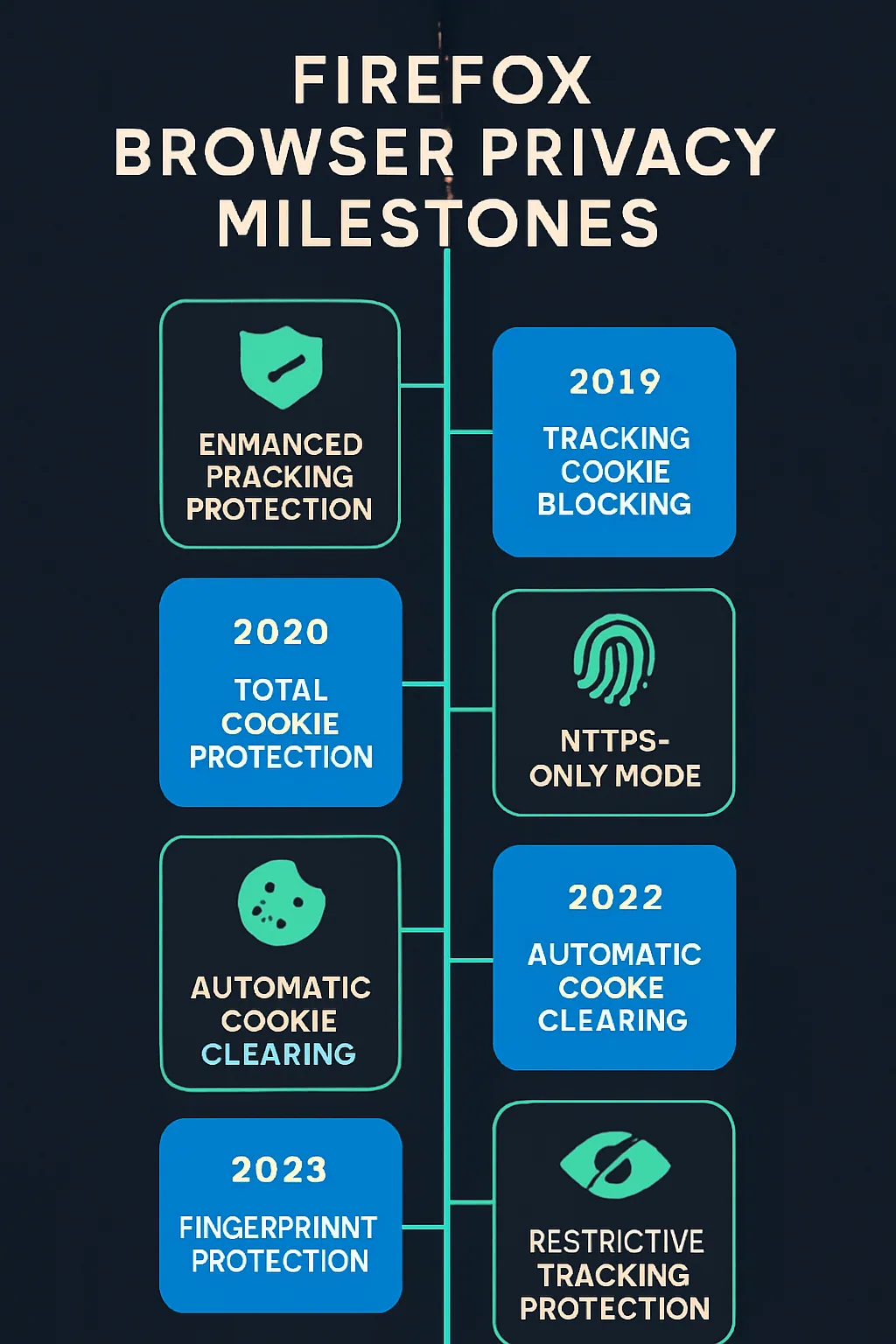
Firefox Privacy Features: A Timeline and AdTech Impact
Mozilla released version 0.1 of its Firefox web browser on September 23, 2002. Since then it has grown into one of the more widely used browsers globally, with over 200 million monthly active users.
The browser's privacy evolution has been gradual but deliberate, and its cumulative effect on the advertising technology industry is significant.
A Snapshot of Firefox's Privacy Settings

A Chronological Timeline of Firefox's Privacy Changes
September 23, 2002
Version 1.0 of Firefox is released under the name Phoenix. The browser was subsequently renamed Firebird on April 14, 2003, and finally Firefox on February 9, 2004.
Through the early years, browser updates focused primarily on functionality and user experience. Privacy-oriented improvements began appearing more consistently in later releases.
January 31, 2011
Firefox 4 implemented the Do Not Track (DNT) feature, giving users a mechanism to signal that they did not want to be tracked by websites collecting data about their activity across multiple sites.
June 26, 2012
Firefox 14 introduced a new diagnostic tool to collect, analyze, and identify causes of browser freezing, and to reduce problems stemming from unwanted third-party applications, including malware.
August 6, 2013
Firefox 23 enforced a default feature blocking mixed content to protect users against man-in-the-middle attacks.
July 22, 2014
Firefox 31 added a search field to block malware from downloaded files.
March 7, 2017
Firefox 52 introduced user warnings for insecure HTTP pages that request login credentials.
January 21, 2018
Firefox 48 introduced the Change Timezone add-on, allowing users to toggle their timezone on and off to reduce passive fingerprinting exposure.
March 13, 2018
Firefox 59 stripped path information from referrer headers to prevent cross-site tracking while browsing in private mode.
May 9, 2018
Firefox 60 redesigned the Cookies and Site Storage section in the Preferences tab, giving users clearer control over first- and third-party cookies.
October 23, 2018
Firefox 63 introduced content blocking, enabling users to block third-party cookies and block known trackers. This content blocking capability later became the foundation of Enhanced Tracking Protection (ETP), formalized with Firefox 70.
September 3, 2019
Firefox 68 turned Enhanced Tracking Protection (ETP) on by default, automatically protecting users from advertising, social media, and analytics trackers. Cryptomining and fingerprinting protections were also added under the Strict setting in Privacy & Security preferences.
October 22, 2019
Firefox 70 added further privacy protections to Enhanced Tracking Protection and strengthened the Firefox Lockwise password security feature.
January 7, 2020
Firefox 72 began blocking fingerprinting scripts by default as part of an update to Enhanced Tracking Protection, shielding users from a particularly invasive form of online tracking.
March 10, 2020
Firefox 74 added an Add-ons Manager option for removing extensions installed by third-party applications. This release also introduced the Facebook Container feature, which prevents Facebook from tracking users across the web by blocking Facebook logins, likes, and comment widgets on third-party sites.
June 30, 2020
Firefox 78 launched the Protections Dashboard, consolidating reports on tracking protection, data breaches, and password management into a single interface.
July 28, 2020
Firefox 79 shipped Enhanced Tracking Protection 2.0 (ETP 2.0), adding the ability to block redirect tracking (also known as bounce tracking) — an advanced technique that routes users through intermediate domains solely to set tracking cookies before forwarding them to the intended destination.
October 20, 2020
Firefox 82 introduced the option to automatically purge cookies from sites that have not been visited in the past 30 days.
January 26, 2021
Firefox 85 implemented supercookie protection. Supercookies are tracking identifiers that hide in various browser storage mechanisms — beyond traditional cookie jars — and can persist even after a user clears their cookies.
February 23, 2021
Firefox 86 introduced Total Cookie Protection in ETP Strict Mode, which confines cookies to the website that created them, preventing them from being used to track a user from site to site.
March 23, 2021
Firefox 87 introduced SmartBlock, a privacy feature designed to fix web pages broken as a side effect of Mozilla's tracking protections — substituting local stand-in scripts where blocked third-party trackers would otherwise cause page functionality to break.
June 1, 2021
Firefox 89 enabled Total Cookie Protection in Private Browsing mode. Total Cookie Protection works by isolating third-party cookies to the originating website, so they cannot be recognized or matched across different websites.
July 13, 2021
Firefox 90 shipped SmartBlock 2 and began blocking Facebook scripts to prevent them from tracking users across the web.
August 10, 2021
Firefox 91 refined Total Cookie Protection with improved cookie-clearing logic, additional protection against hidden data leaks, and a new interface showing users which sites are storing data in localStorage.
October 5, 2021
Firefox 93 introduced a referrer tracking protection feature under Strict Tracking Protection and Private Browsing, reducing the amount of user information transmitted to third-party sites via the HTTP Referer header. SmartBlock 3.0 was also released.
November 2, 2021
Firefox 94 released Site Isolation, a security architecture protecting against side-channel attacks such as Spectre by ensuring that content from different websites is processed in separate operating-system processes.
December 7, 2021
Firefox 95 extended Site Isolation to all users.
June 14, 2022
Firefox enabled Total Cookie Protection by default for all users worldwide — no longer limited to Private Browsing mode or the Strict ETP setting. This represents one of the most significant default privacy changes in Firefox's history.
Firefox's Browser Market Share
As of March 2022, Firefox holds a global browser market share of 3.4%, though its influence on privacy standards has been disproportionate to that share, given that its user base exceeds 200 million monthly active users.
Source: StatCounter Global Stats – Browser Market Share
How Firefox's Privacy Features Affect AdTech and MarTech
The most consequential impact of Firefox's privacy roadmap on AdTech and MarTech is the default blocking of third-party cookies. Without the ability to read third-party cookies, advertising platforms cannot reliably identify users across different websites — which is the backbone of most behavioural advertising infrastructure.
The following activities become meaningfully more difficult or unreliable in a third-party-cookie-free environment:
- Behavioural targeting — matching ads to users based on browsing history across sites
- Frequency capping — limiting how many times a user sees a given ad across publishers
- Campaign measurement — tracking ad exposure to downstream outcomes
- Attribution — connecting conversions back to specific ad interactions
Some workarounds exist — for example, building identifiers from first-party data collected directly by publishers — but these solutions do not scale the way cross-site cookie tracking does.
The industry more broadly is exploring a range of alternatives, including contextual targeting (serving ads based on page content rather than user history), Google Chrome's Privacy Sandbox initiative, universal ID solutions, and data clean rooms. None of these has yet achieved the reach or standardization that third-party cookies historically provided.
Firefox's trajectory makes clear that browser-level privacy enforcement is a structural, long-term shift — not a temporary friction point. Advertisers, publishers, and technology vendors who have not yet adapted their measurement and targeting approaches to a cookieless environment are operating on borrowed time.